
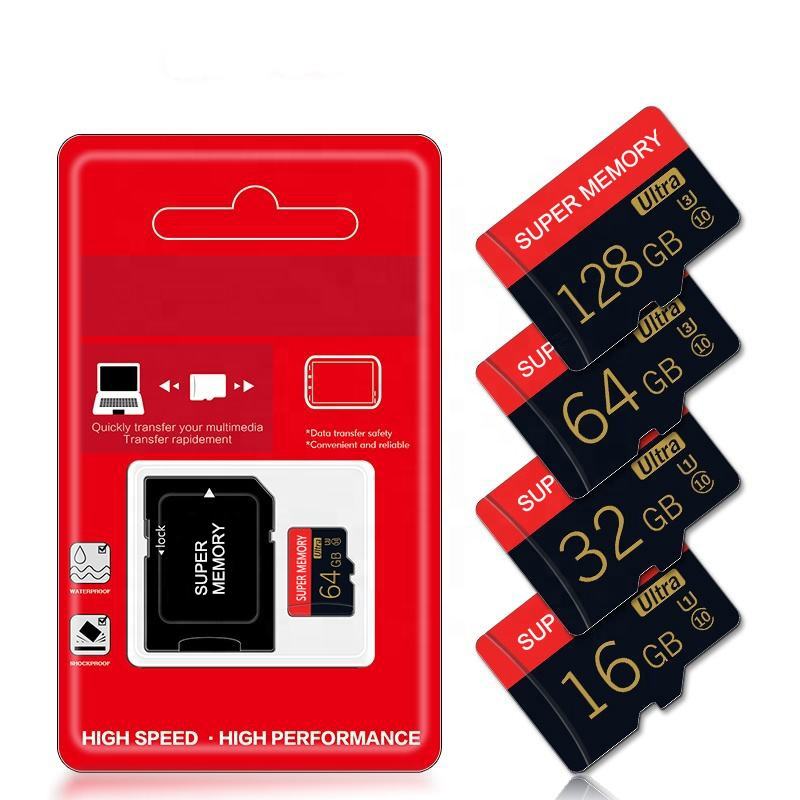
SD memory cards are essential for storing photos, videos, and files, but they sometimes need maintenance. Whether you need to clean, delete content, format, or unlock your card, this comprehensive guide covers all these processes for various devices.
How to Clean an SD Memory Card
Physical cleaning:
- Power off your device and remove the SD card
- Use a soft, dry microfiber cloth to gently wipe the metal contacts
- For stubborn dirt, lightly dampen the cloth with isopropyl alcohol
- Allow to dry completely before reinserting
Digital cleaning (deleting files):
- Insert the SD card into your device
- On Windows: Open File Explorer > select the SD card > delete unwanted files
- On Mac: Open Finder > select the SD card > drag files to Trash
- Empty the Recycle Bin/Trash to complete deletion
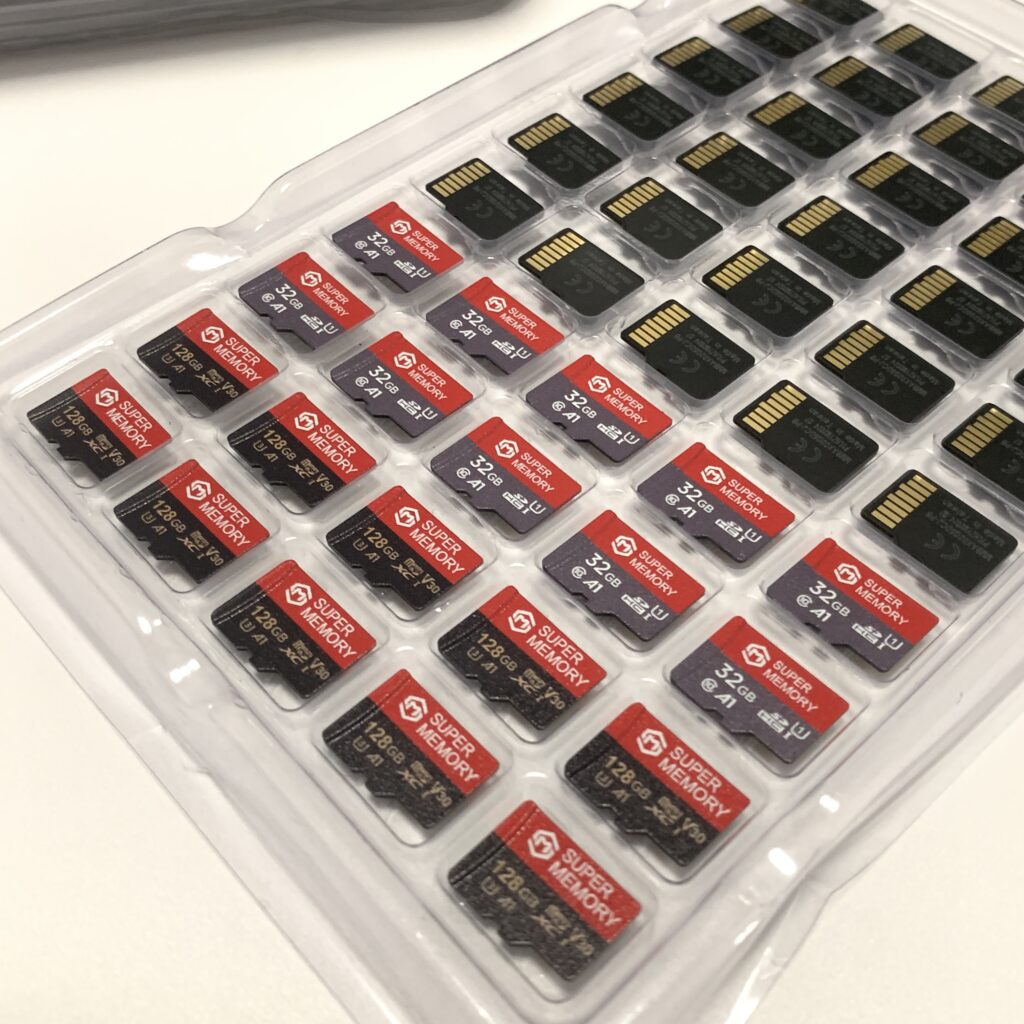
How to Delete Files from a Memory Card
Quick deletion methods:
- Camera deletion: Use your camera’s delete function for individual files
- Bulk deletion: Connect to computer and delete multiple files at once
- Complete wipe: Format the card (see next section)
Important note: Deleted files may still be recoverable until overwritten. For sensitive data, use secure deletion software.
How to Format a Memory Card on Mac
- Insert the SD card into your Mac (may need an adapter)
- Open Disk Utility (Applications > Utilities > Disk Utility)
- Select your SD card from the left sidebar
- Click “Erase” at the top of the window
- Choose a format:
- MS-DOS (FAT): Best for cards 32GB or smaller
- exFAT: Best for cards larger than 32GB
- Enter a name for the card (optional)
- Click “Erase” to begin formatting
Warning: Formatting will erase all data on the card permanently.
How to Unlock Memory Card SD Card
Physical lock switch:
- Locate the small lock switch on the side of the SD card
- Slide it up or down to the unlocked position
- Reinsert into your device
Software unlocking:
If your card is locked by software or password:
- Try the default password (often 0000 or 1234)
- Use SD card unlocking software
- As last resort, format the card (will erase all data)
How to Unlock Memory Card When It’s Write-Protected
- Check the physical lock switch first (most common solution)
- On Windows:
- Open Command Prompt as administrator
- Type
diskpartthenlist disk - Select your SD card with
select disk X(X=your disk number) - Type
attributes disk clear readonly
- On Mac:
- Use Disk Utility’s First Aid feature
- If that fails, proceed with formatting
Best Practices for SD Card Maintenance
- Regular backups: Always back up important files before cleaning or formatting
- Safe ejection: Always eject properly from computers to prevent corruption
- Avoid extreme conditions: Keep cards away from moisture, heat, and magnets
- Periodic formatting: Format occasionally (not just delete) to maintain performance
- Quality matters: Invest in cards from reputable brands for better reliability
By following these steps, you can keep your SD memory cards in optimal condition, whether you need to clean them, delete content, format them on your Mac, or unlock them when they become protected. Remember that formatting is the most thorough solution for many card issues, but always back up your data first!
SD Memory Card Storage Capacity Guide
| Capacity | Photos (JPEG, 12MP) | Music (MP3, 3.5MB/song) | 4K Video (per minute) |
|---|---|---|---|
| 16GB | ~4,000 photos | ~4,500 songs | ~13 minutes |
| 32GB | ~8,000 photos | ~9,000 songs | ~26 minutes |
| 64GB | ~16,000 photos | ~18,000 songs | ~52 minutes |
| 128GB | ~32,000 photos | ~36,000 songs | ~1.7 hours |
| 256GB | ~64,000 photos | ~72,000 songs | ~3.5 hours |
| 512GB | ~128,000 photos | ~144,000 songs | ~7 hours |
Welcome have a look at our Memory Card Product:
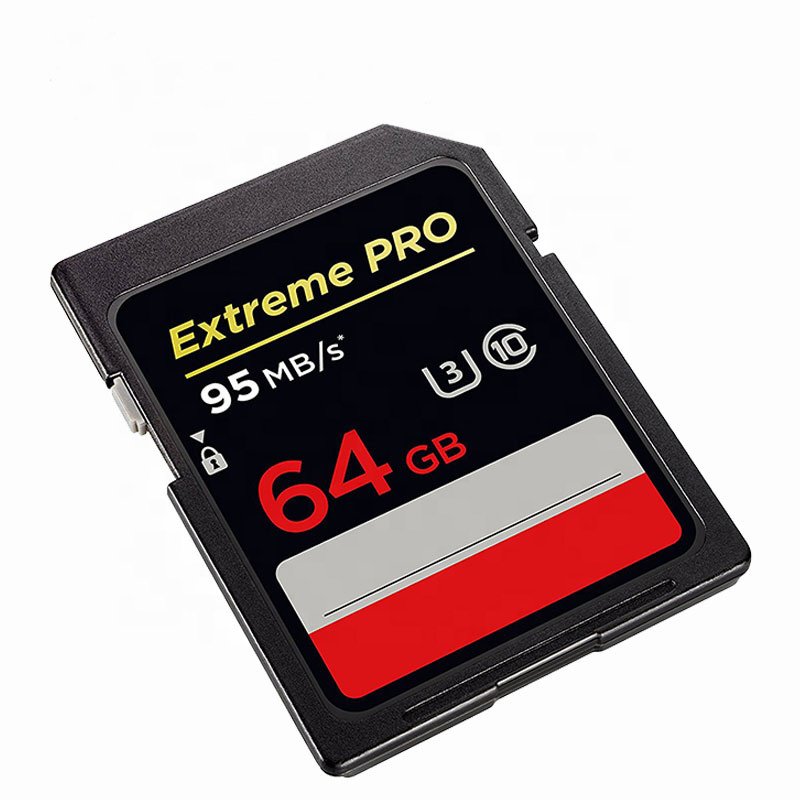
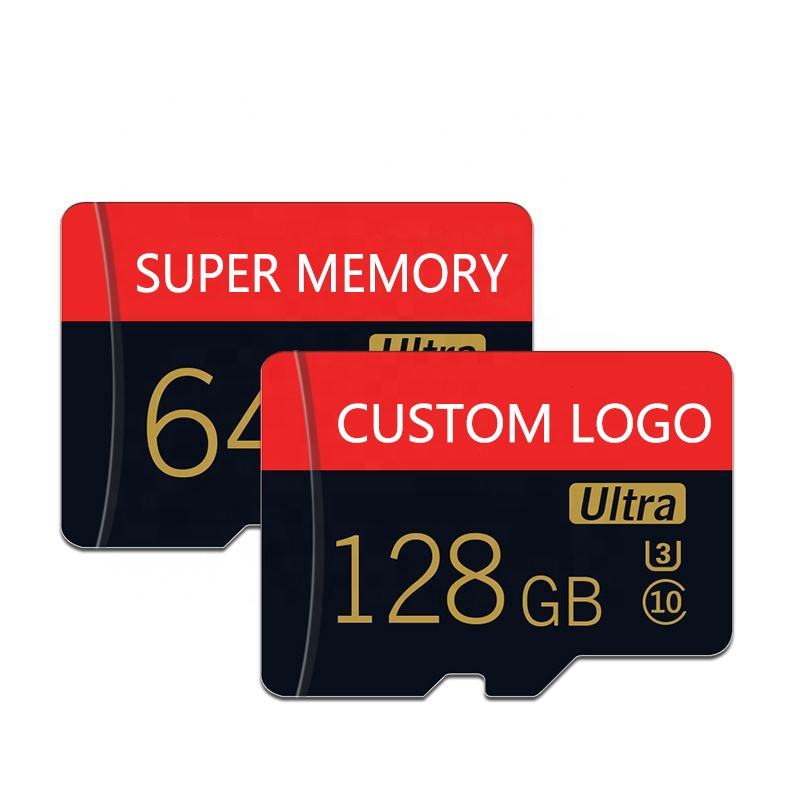
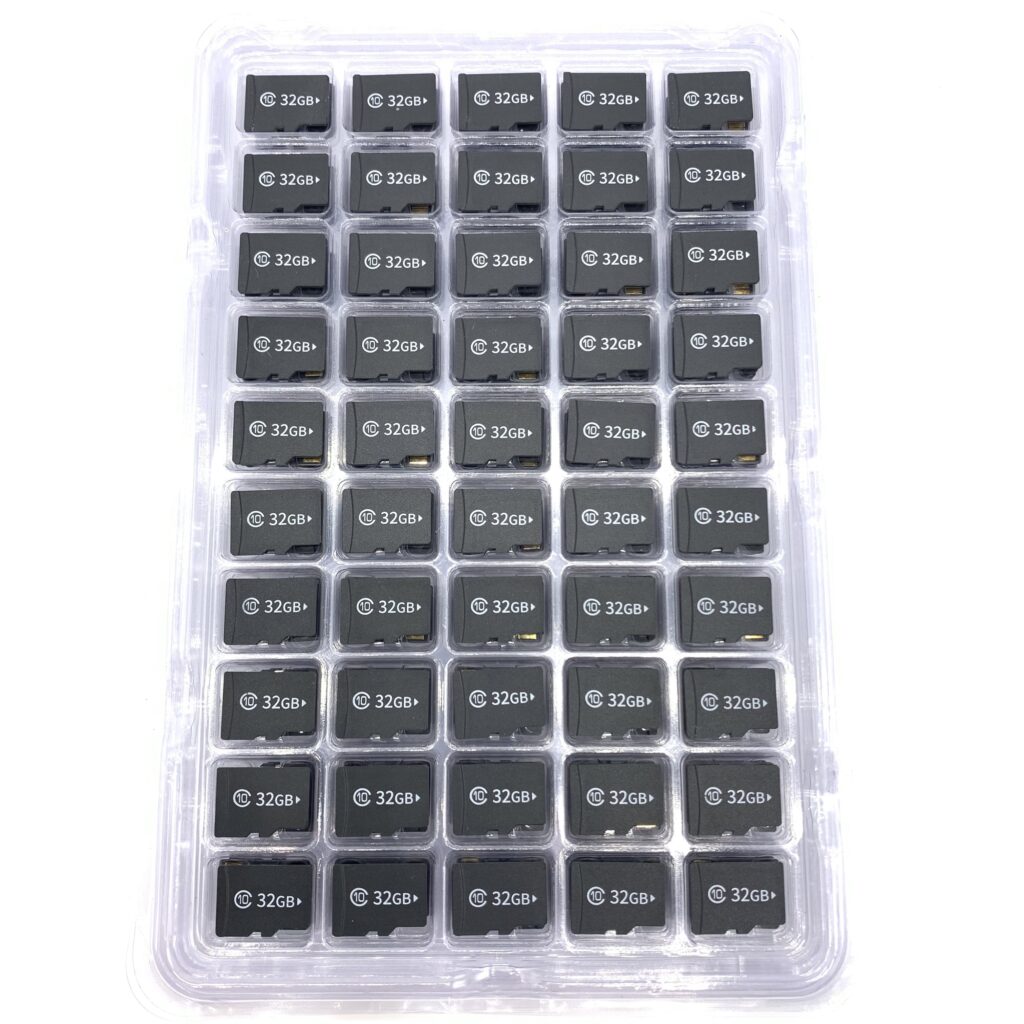
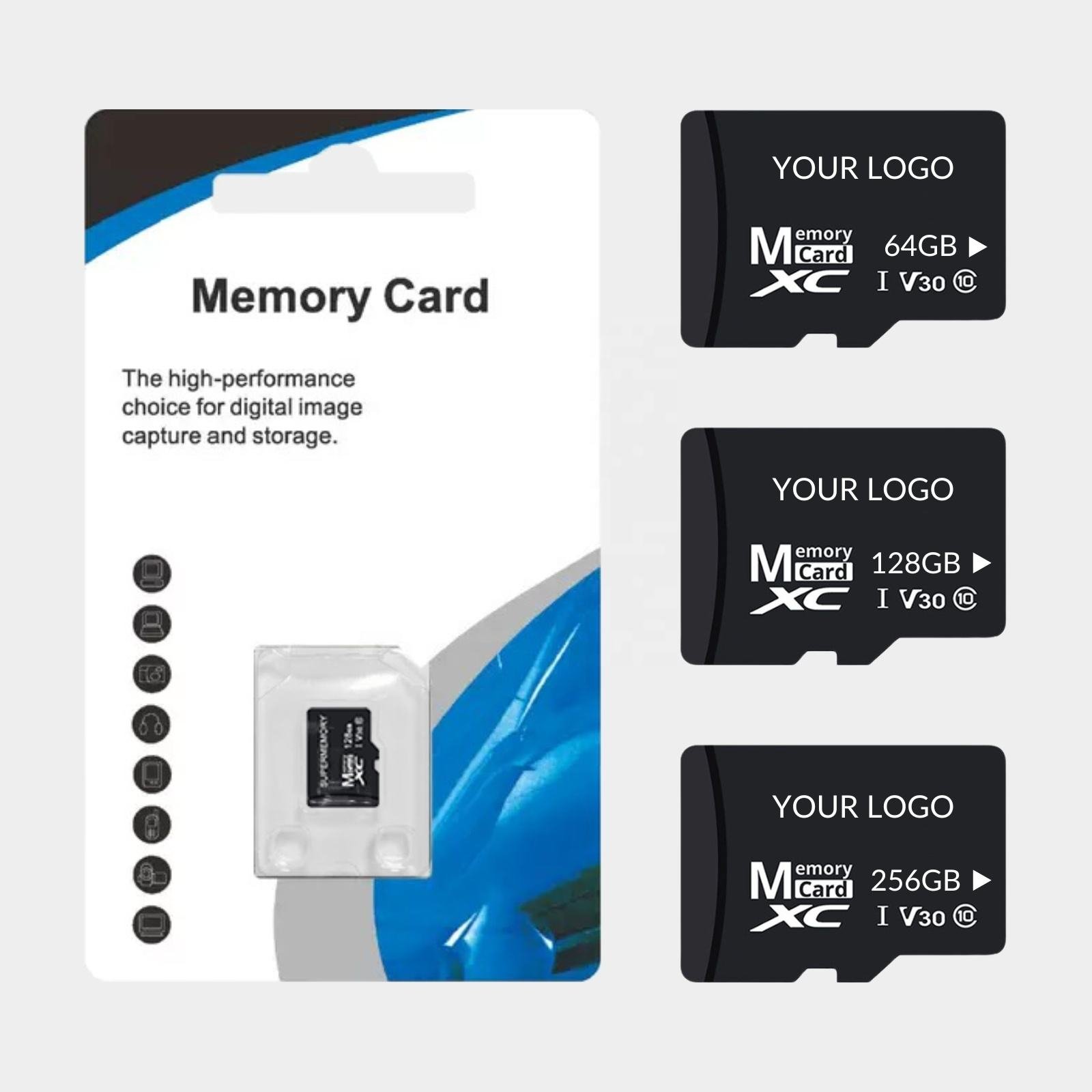
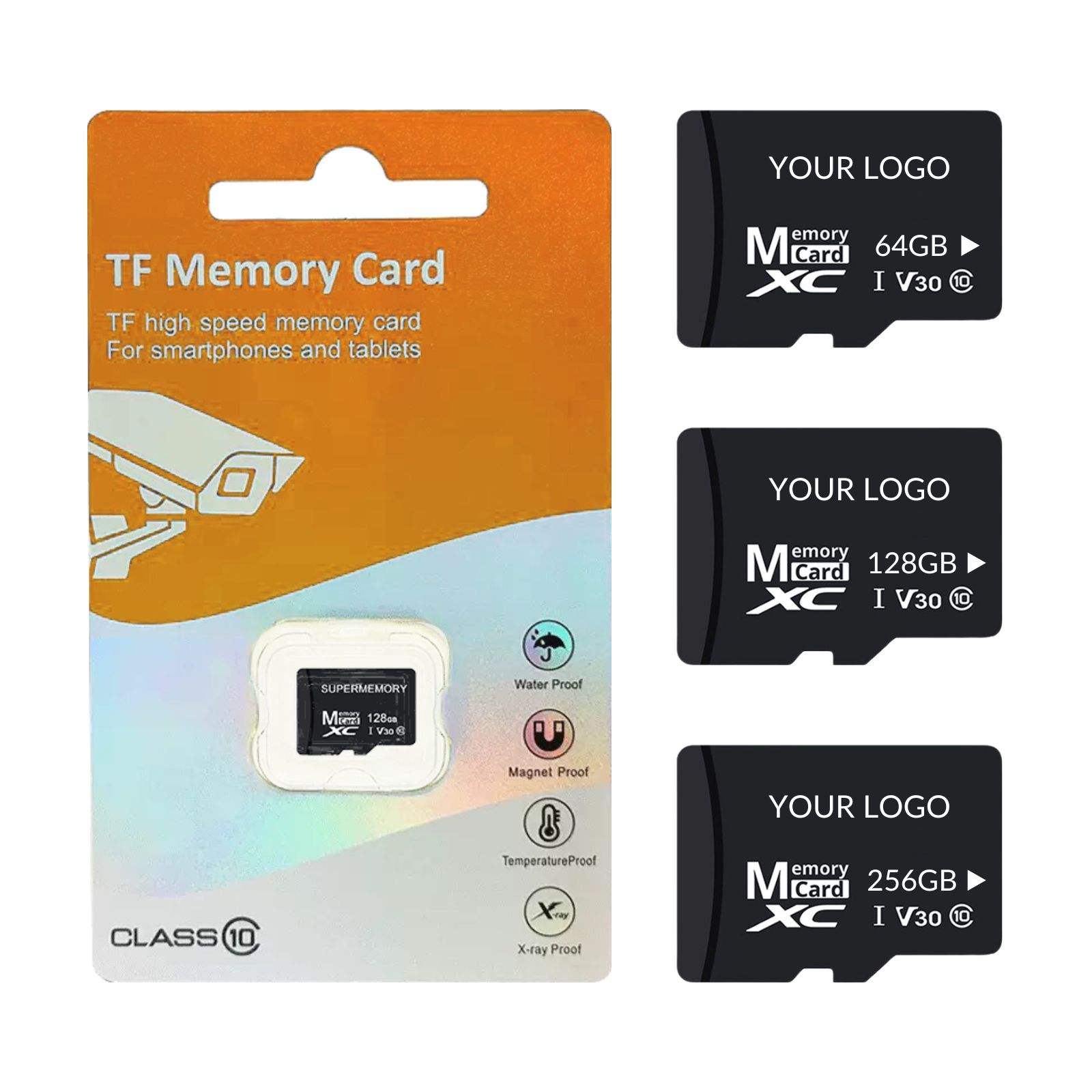
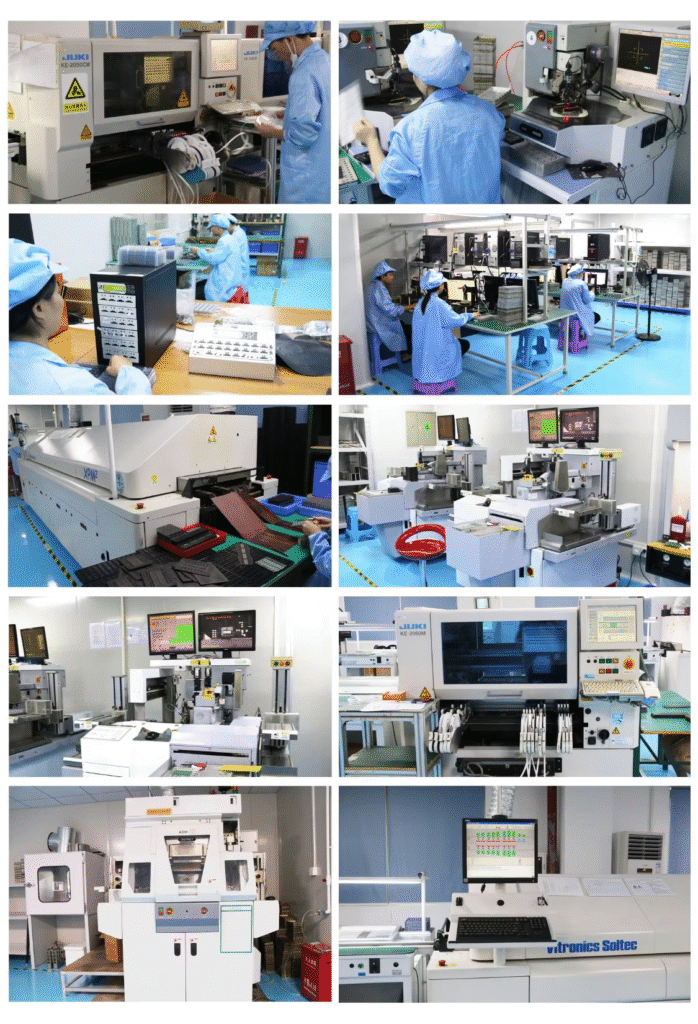
Shenzhen Super Memory Technology co., Ltd. is a reputable company that has been at the forefront of the storage industry for the past 10 years. we specialize in providing a wide range of storage products, including memory cards, USB drives, Solid State Drive for PC, and other innovative storage solutions. with our extensive experience and dedication to customer satisfaction, we offer OEM and ODM services to cater to the unique requirements of our clients.
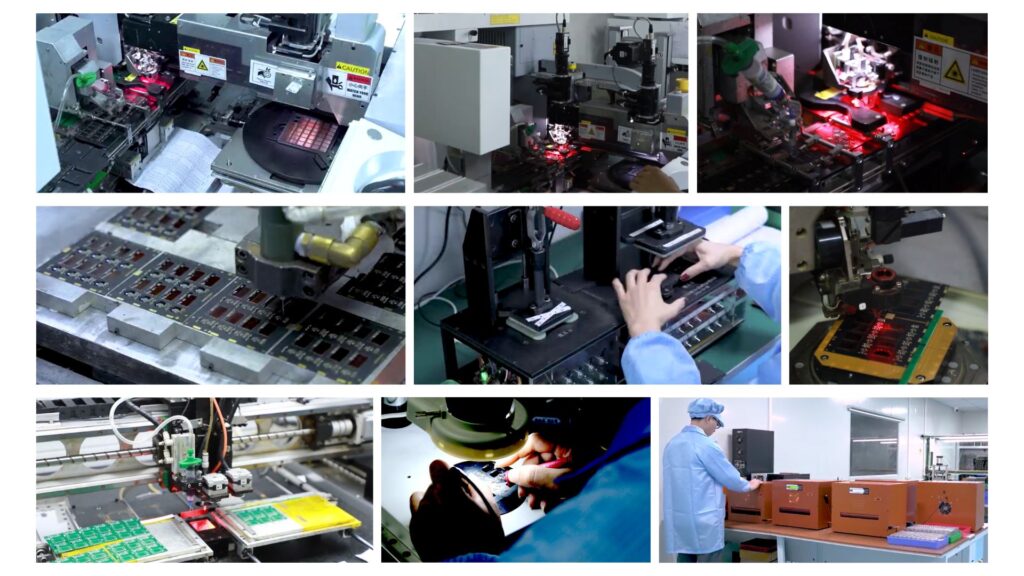
At Super Memory, quality is of the utmost importance to us. we implement strict quality control measures throughout the
manufacturing process to ensure our products meet the highest industry standards.with a decade of experience in the storage industry, Super Memory remains committed to providing innovative and reliable storage solutions to our valued customers. going forward, we will continue to invest in R&D, embrace emerging technologies, and redefine what is possible in data storage.
Reference website:howtogeek https://www.howtogeek.com/