
When comparing SD card vs Micro SD card, what’s the real difference?
In today’s digital world, storage cards like SD cards and Micro SD cards are essential for expanding device memory. How do adapters and readers bridge their compatibility gaps? This comprehensive guide breaks down everything you need to know about SD card vs Micro SD card, their uses, and how to maximize their potential.

SD Card vs Micro SD Card: What’s the Difference?
Physical Size Comparison
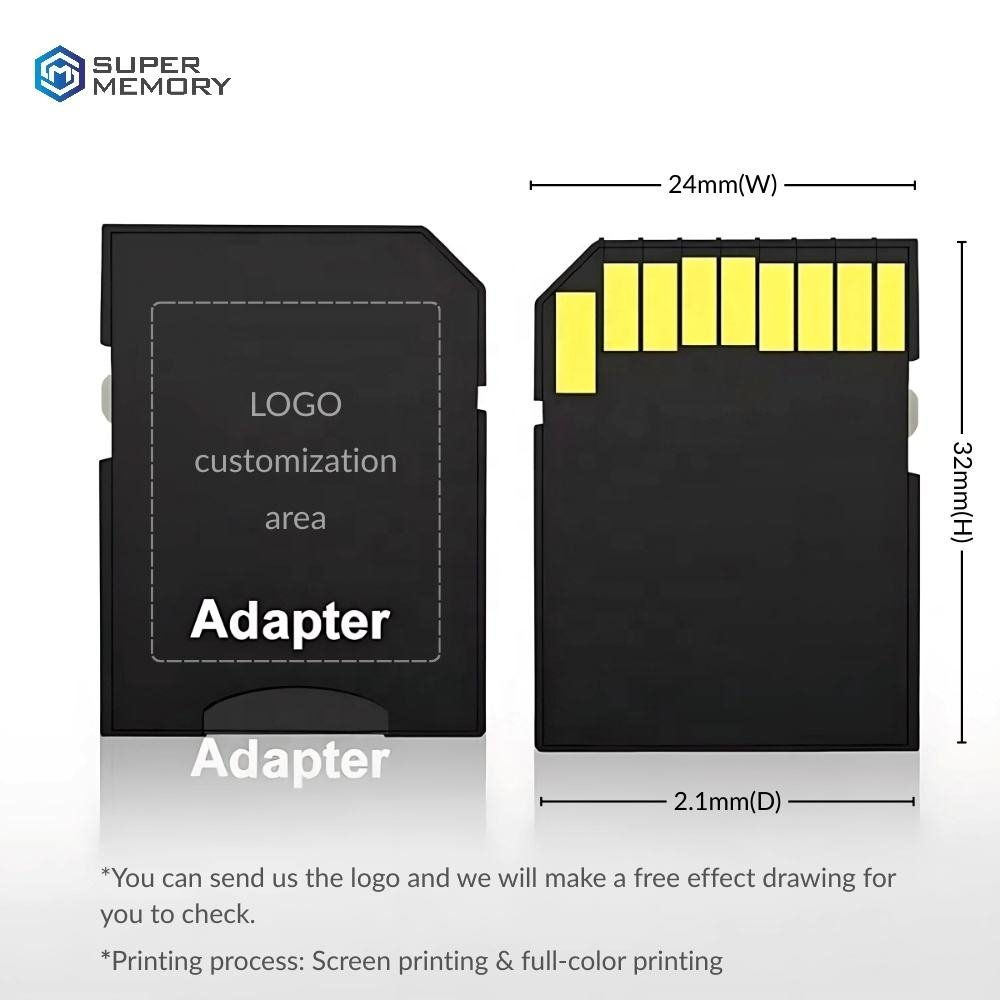
- SD Cards: Larger (32×24×2.1mm), used in cameras and laptops
- Micro SD Cards: Smaller (15×11×1mm), designed for phones/drones
Compatibility
- Micro SD cards work in SD slots only with an adapter
- SD cards cannot fit in Micro SD-only devices
SD card vs Micro SD card
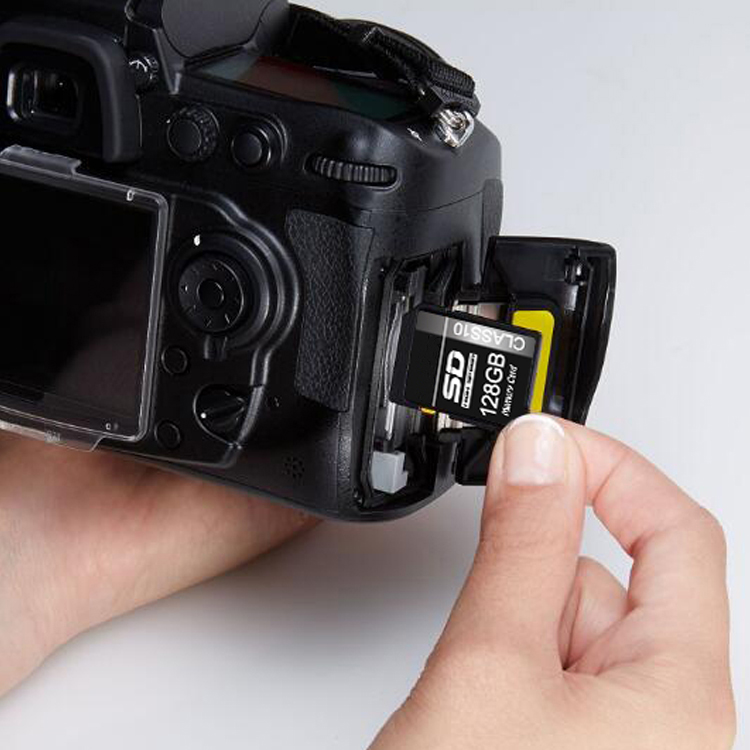

Micro SD Card in SD Card Reader: How It Works
- Insert Micro SD into SD adapter
- Plug adapter into card reader
- Connect reader to USB port
- Access files like a standard drive
Pro Tip: Always safely eject to prevent data loss
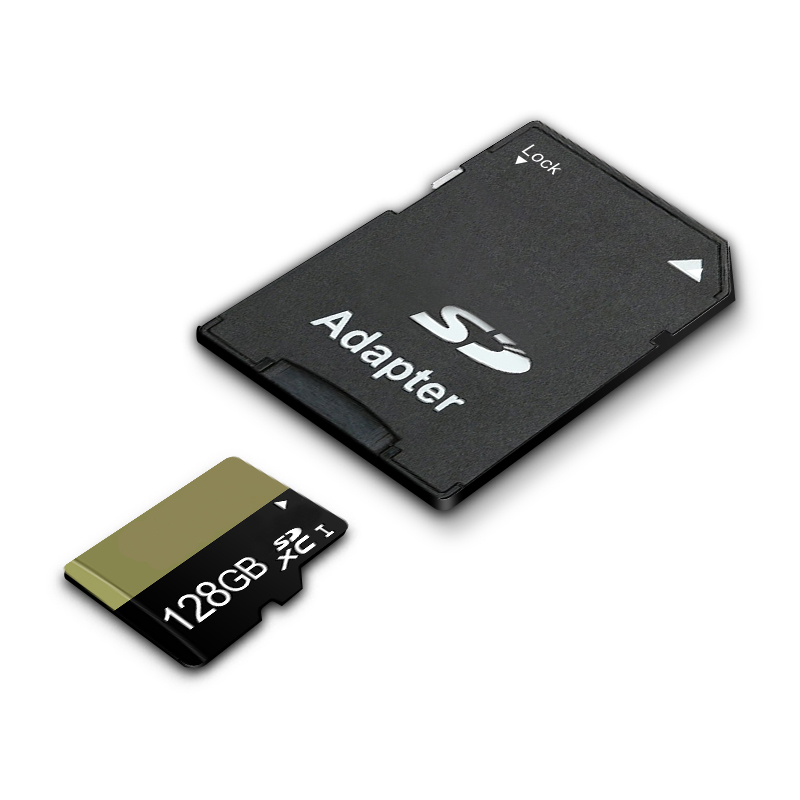
How to Use a Micro SD Card Adapter
Step-by-Step Guide:
- Insert Micro SD into adapter (notch aligns)
- Push gently until it clicks
- Use adapter in any SD-compatible device
- Remove by pressing card to release
Common mistake: Inserting upside down
What is a Micro SD Card Adapter?
A small plastic tray that:
- Converts Micro SD to standard SD size
- Maintains full speed/performance
- Costs $0.1-1 (often included with Micro SD purchase)
How to Use a Micro SD Card Reader
USB Reader Method:
- Plug Micro SD directly into reader
- Insert reader into USB port
- Open File Explorer (Windows) or Finder (Mac)
- Transfer files via drag-and-drop
Recommended: USB 3.0 readers for faster speeds

Conclusion
While SD and Micro SD cards serve the same purpose, their size differences determine device compatibility. Adapters and readers bridge this gap, making Micro SD cards versatile for phones, cameras, and computers alike. Always check your device’s maximum supported capacity before purchasing.
Need Reliable Storage Solutions?
If you’re looking for high-quality SD cards, Micro SD cards, adapters, or card readers, check out our top-rated products:
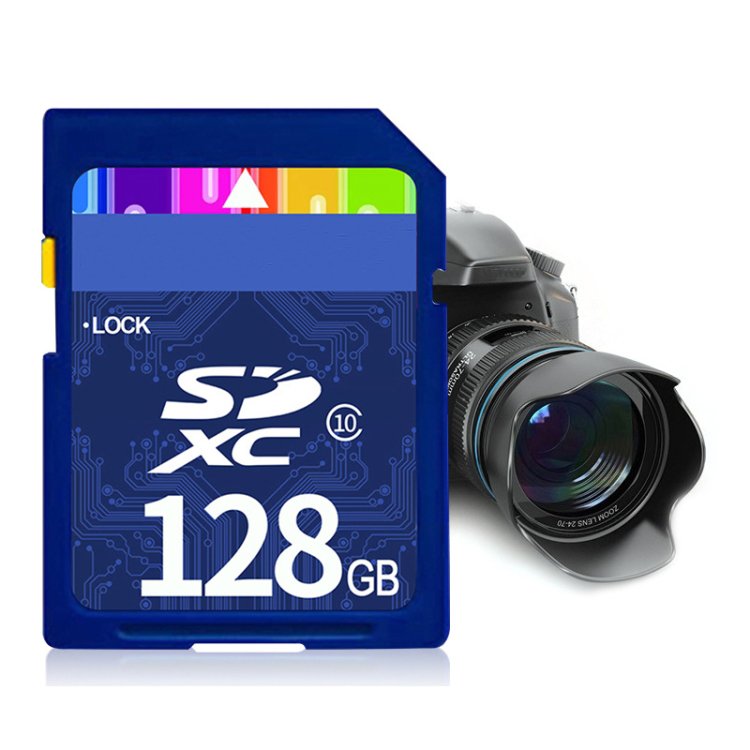
✅ Premium SD Cards – High-speed, waterproof, and shockproof use in Profession Camera and devices.Ideal for DSLRs, mirrorless cameras, and drones, this original sd card guarantees reliability and peak performance.
✅Micro SD card – removable flash memory card designed for portable devices like smartphones, action cameras, drones, and tablets. Wide Capacity Range – 2GB to 512GB
100% Original – Reliable storage for cameras, drones & devices. Customizable – Bulk orders with OEM/ODM support (logo/package).
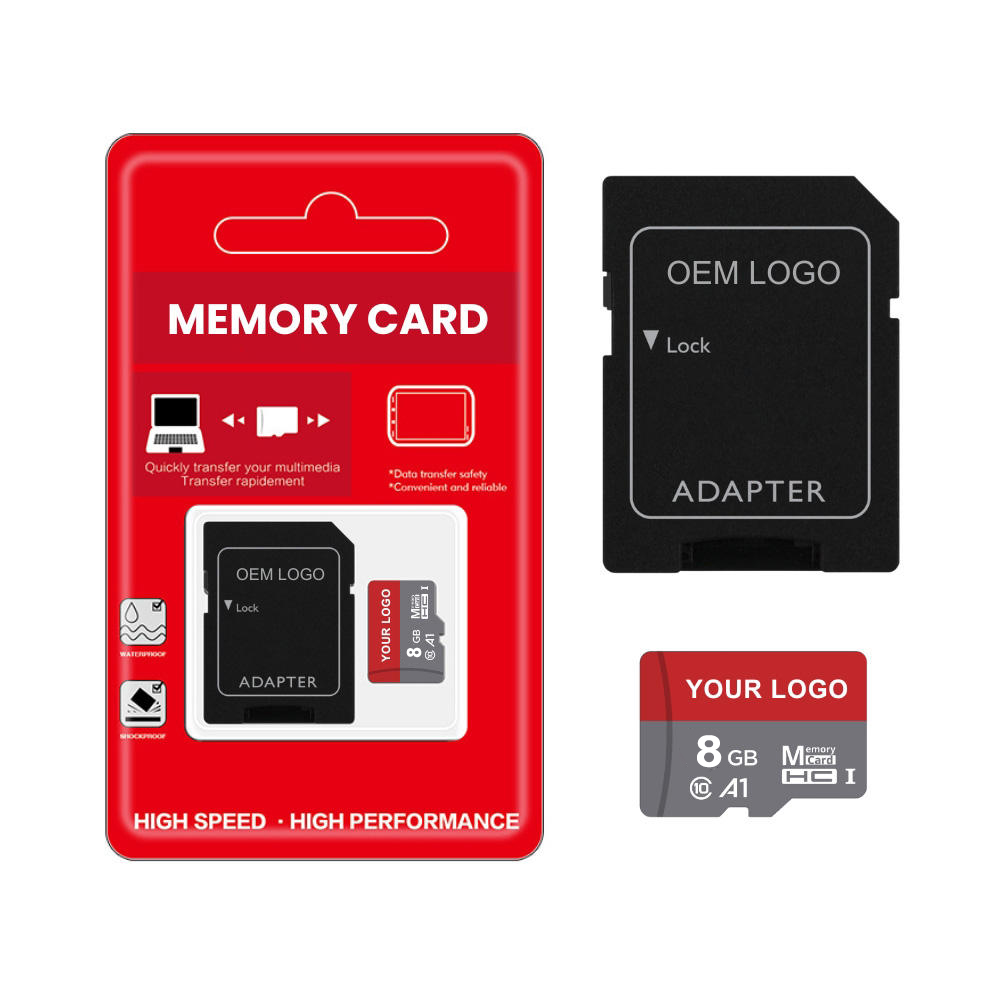
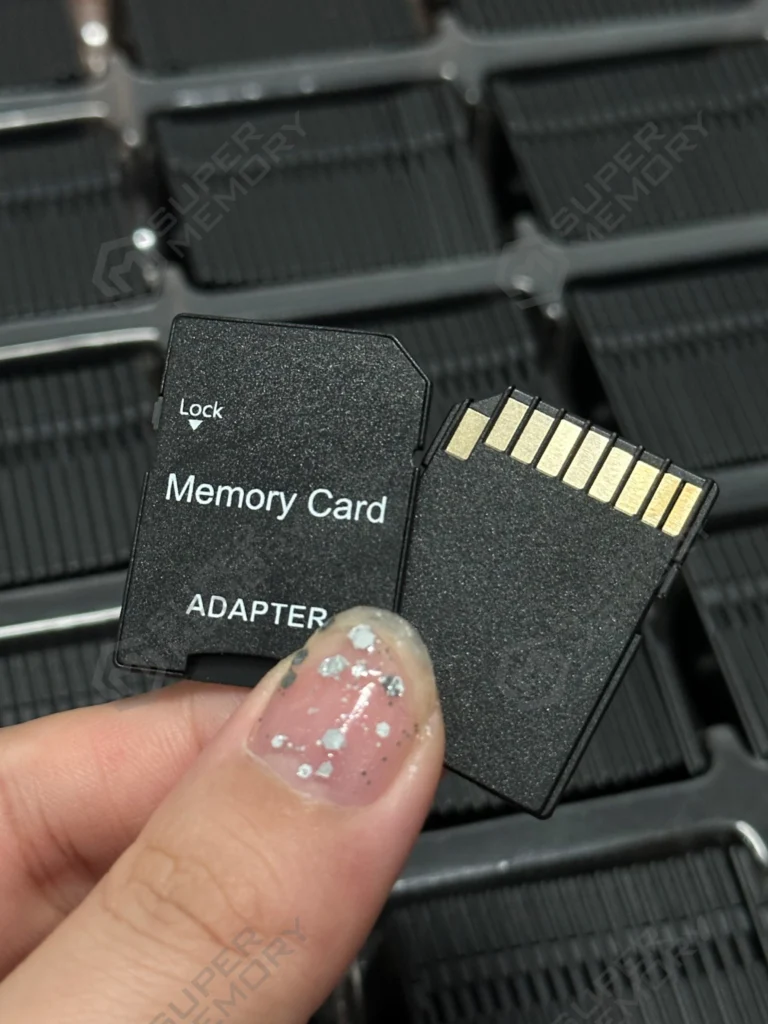
✅ Universal SD Adapters – Micro SD to SD Card Adapter – Convert Mini/TF to Standard SD Size – Compatible with Cameras, Laptops and other devices that require full-sized SD slots – no extra software or complicated steps needed!
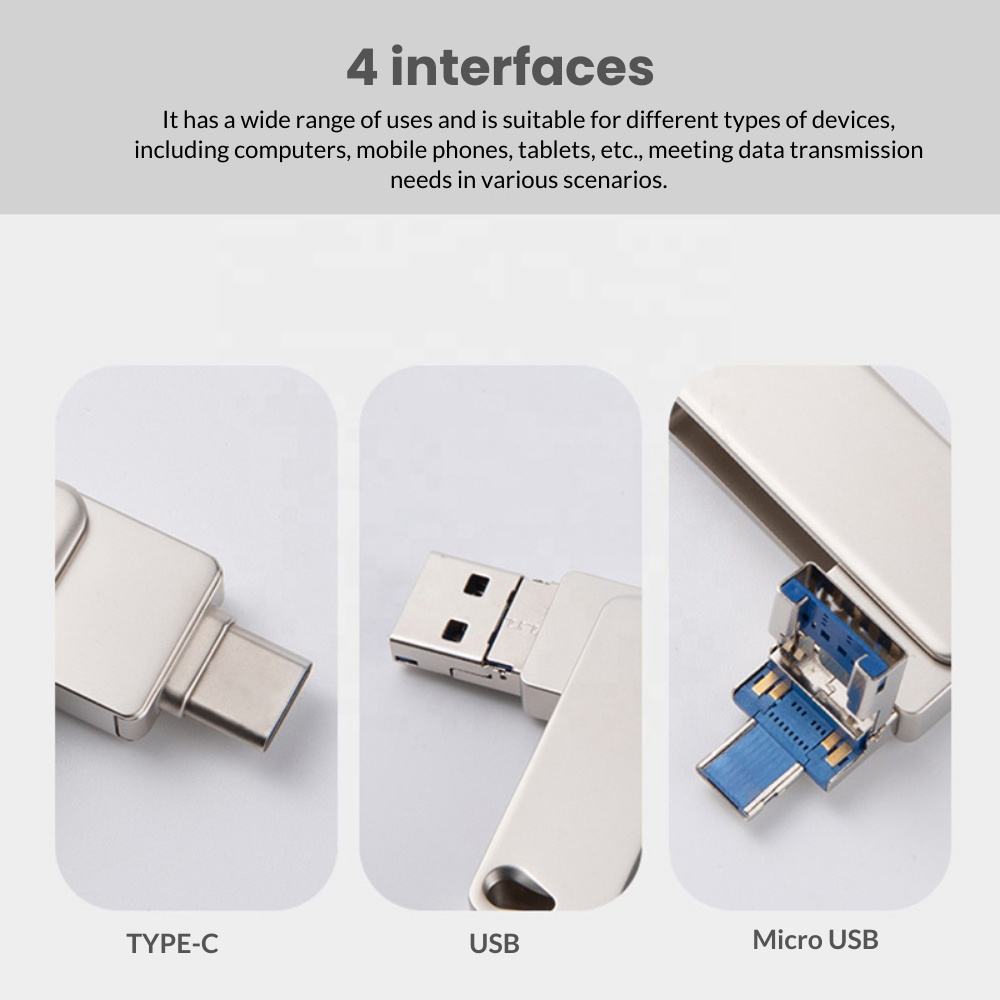
✅ SD Card Reader:4-in-1 Multi-Interface – Supports Micro SD, SD/TF cards,Apple lighting,USB-A, and Type-C ports.
Universal Compatibility – Works with iPhone (Lightning), iPad, Android (Type-C), laptops, and PCs.

Our Other Hot Sell Items:

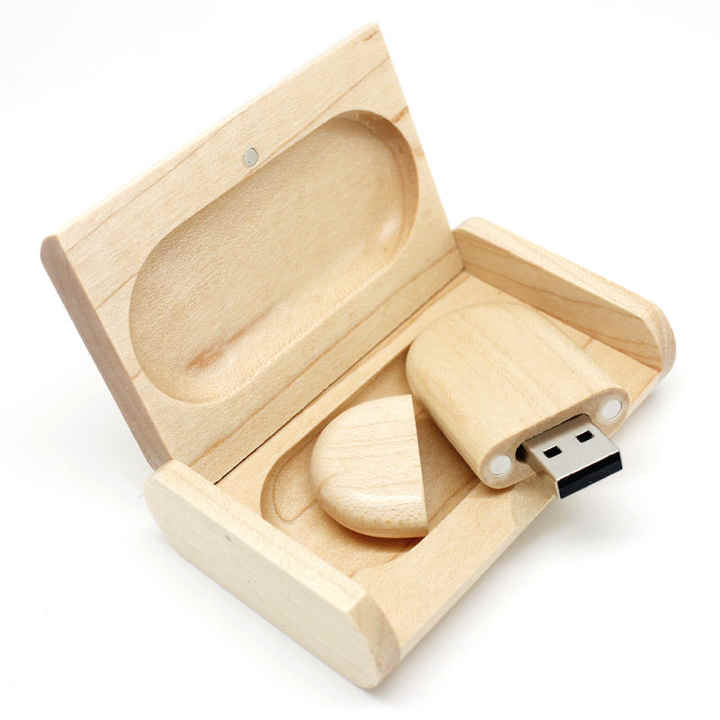
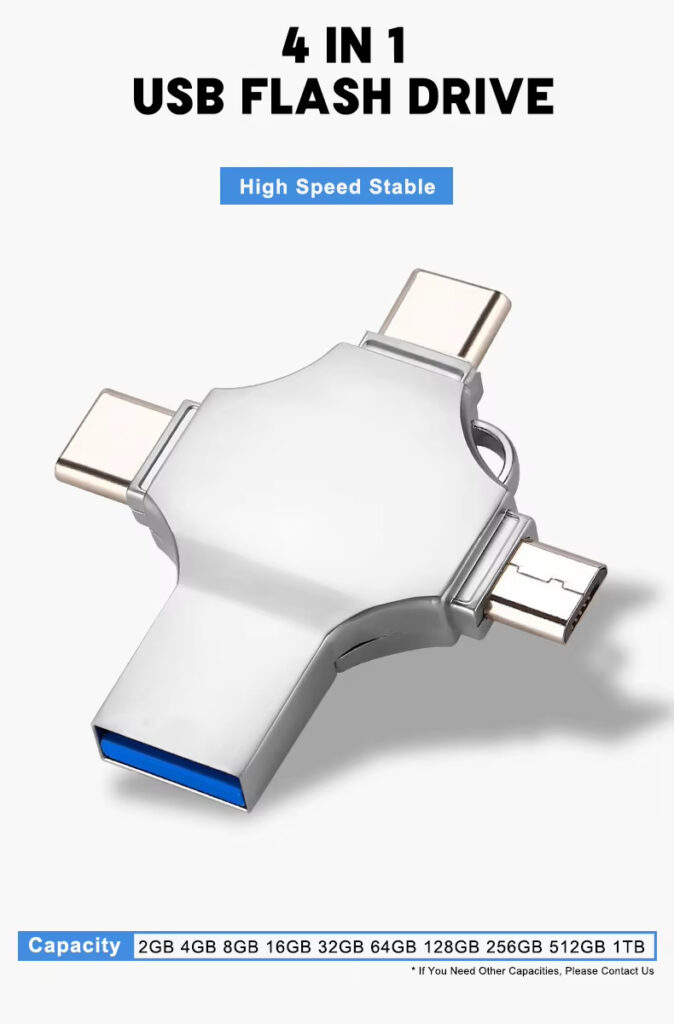
Our Company
Shenzhen Super Memory Technology co., Ltd. is a reputable company that has been at the forefront of the storage industry for the past 10 years. we specialize in providing a wide range of storage products, including memory cards, USB drives, solid-state drives(SSDs), and other innovative storage solutions. with our extensive experience and dedication to customer satisfaction, we offer OEM and ODM services to cater to the unique requirements of our clients.
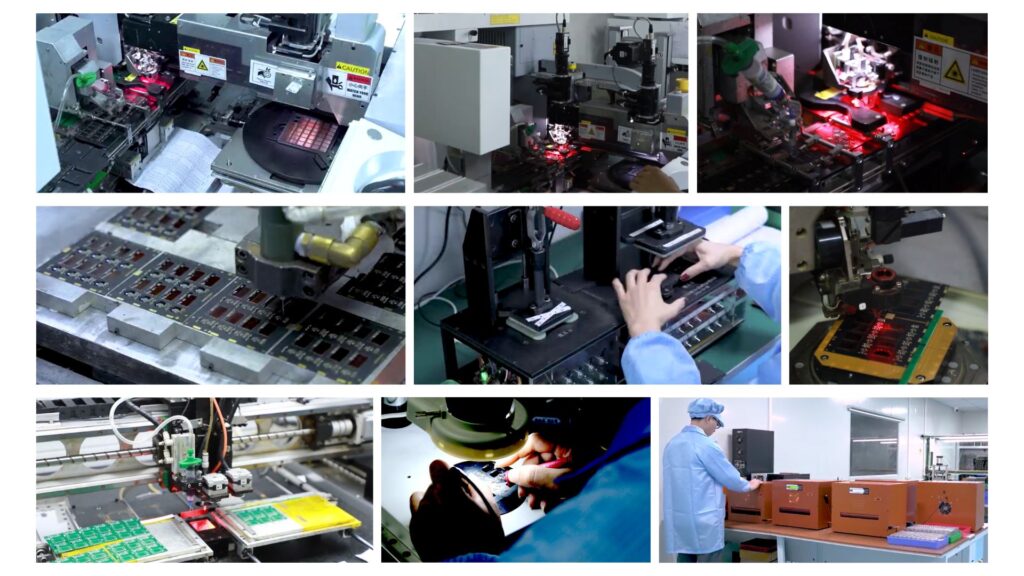
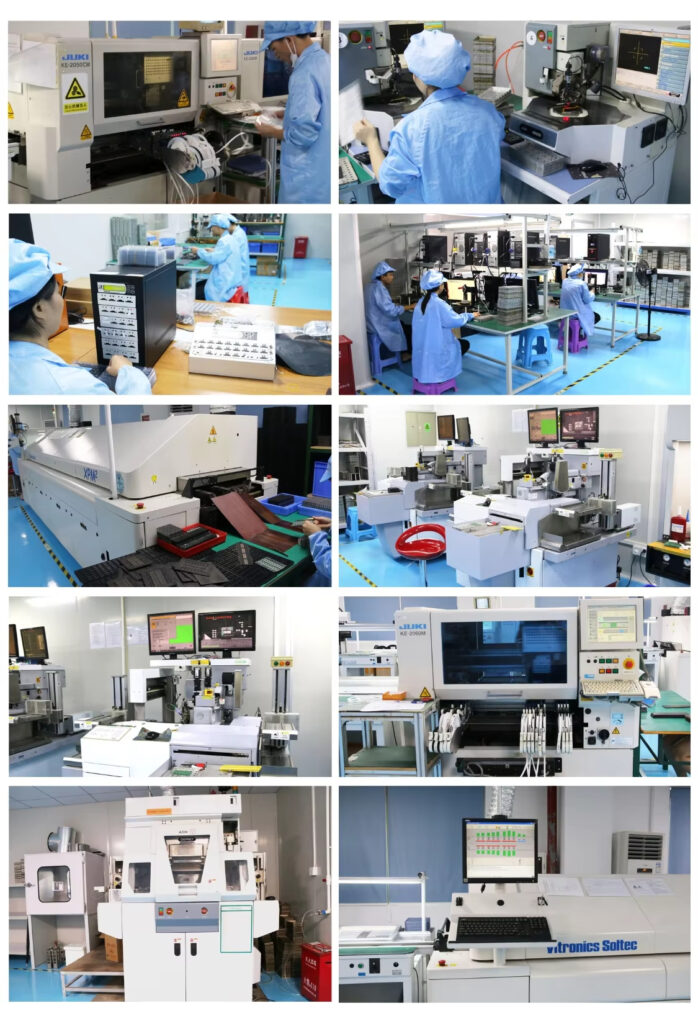
At Super Memory, quality is of the utmost importance to us. we implement strict quality control measures throughout the
manufacturing process to ensure our products meet the highest industry standards.with a decade of experience in the storage industry, Super Memory remains committed to providing innovative and reliable storage solutions to our valued customers. going forward, we will continue to invest in R&D, embrace emerging technologies, and redefine what is possible in data storage.
If you want to know how to format/clean/delete memory card,you can have a look at: https://supermemorytech.com/sd-memory-card-format-unlock-memory-card/
For compatibility, check your device’s manual (e.g., Canon’s official support page (link to https://global.canon/en/support))